AI was built for the way you actually think — not the polished, compressed version you type. And last week, it got a whole lot better at listening.
- OpenAI just released an upgraded Voice Mode (GPT-Live) — it processes your speech while it responds. No lag. No robotic waiting. Actual conversation.
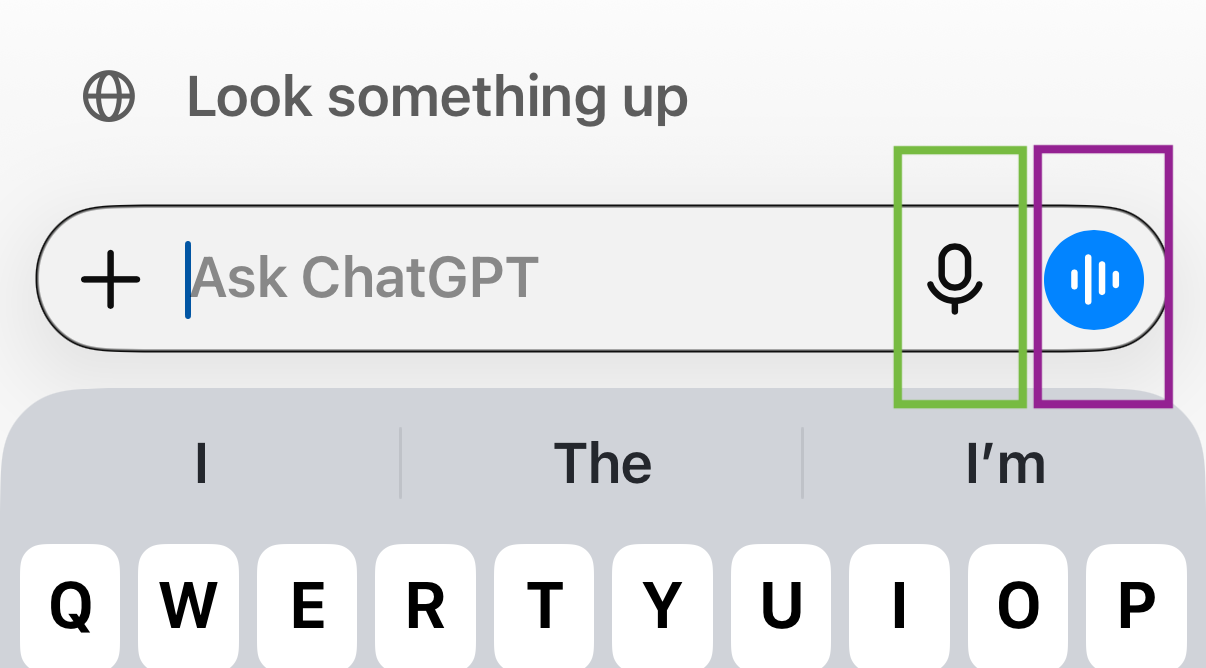
- ChatGPT, Claude and Gemini all have a mic button right in the chat box. You're probably not using it. You should be.
- Dedicated voice tools like Willow and Wispr Flow let you dictate into any text field on your screen — not just AI apps.
- You speak ~150 words per minute. You type ~40. Every time you type to AI, you're giving it less than a third of what you could.
- AI doesn't get bored, impatient, or overwhelmed by your rambling. Give it more. It wants more.
The ShiftTalk, don't type. Go for it.
Here's the thing nobody tells you when you start using AI: you've been trained by decades of texting, emailing and messaging to compress yourself. Get to the point. Don't ramble. Respect the other person's time.
That instinct is built for humans. AI is not a human. AI does not care if you ramble. In fact, it works better when you do.
"The model doesn't get impatient at paragraph four." — Dharmesh Shah, HubSpot CTO
When you type a compressed, edited, get-to-the-point prompt, you're giving the AI maybe a third of the context it could use. You speak at 150 words a minute. You type at 40. Every time you open a text box instead of tapping the mic, you're choosing the slower, smaller, worse option.
And now, with OpenAI's upgraded GPT-Live voice model, it's not just speech-to-text. It's a real back-and-forth conversation — AI that listens while it speaks, that can go off and research something mid-sentence and come straight back. This isn't a quirky feature. This is where the whole interaction model is heading.
AI was built to be accessible to every human on the planet. Not just fast typists. Not just people who know how to write a good prompt. Every human who can speak. That's the shift — and it's already here.
Next time you open ChatGPT, Claude or Gemini — don't type. Hit the mic. Just talk at it the way you'd brief a colleague. Context, background, what you need. Don't edit yourself.
When you're done, say:
That's it. See what comes back.